







Pentax Optio W10: manual and user guide
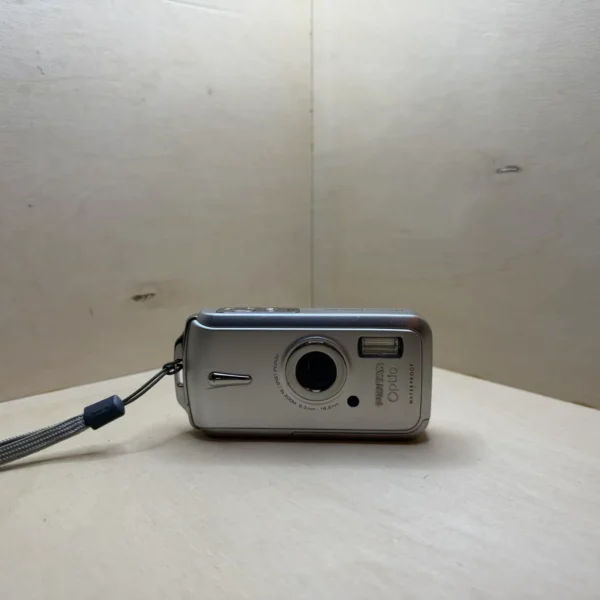
Pentax’s waterproof compact, 6 MP with a 3× zoom. Its official PDF manual, then the essentials for using it.
Open the official manualOperating Manual · Pentax PDF · 208 pages (in English)
The PDF opens directly, hosted by Pentax. Source: its official support page.
Getting started
- Charging The D-LI8 battery charges outside the camera, in the D-BC8 charger, with the PENTAX logo visible. The lamp stays red while charging and turns green when it’s done: 100 minutes at most, between 0 and 40 °C.
- Battery Push the lever of the battery/card cover, slide the cover, then open it. Insert the battery, PENTAX logo towards the lens, pushing its catch aside with the side of the battery. Close the cover and move the lever back until the red area underneath can no longer be seen.
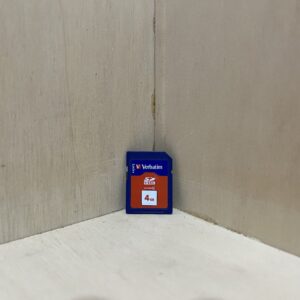
- Card With the camera off, slide an SD card into the same compartment, label towards the screen, until it clicks. Without a card, it records to its internal memory of about 10.5 MB. Format a new card, or one used in another camera, in the camera itself.
- Switching on for the first time Press the power switch: the lamp lights up. The first time you switch it on, choose the language (English and French are both offered), your city (Hometown) and daylight saving time, then the date and time.
- Your first photo Frame with the zoom button and press halfway: the frame turns green when the subject is sharp, red if not. Press fully. The green button switches to Green Mode, fully automatic, and pressing it again brings back your settings.
Waterproofing
- It meets JIS class 8 for water and class 5 for dust (IP58): it can shoot continuously for 30 minutes at a depth of 1.5 m. Its accessories are not waterproof.
- Before going in the water, wipe the seal of the battery/card cover (sand, dust) and check that the cover is properly locked, with the red area hidden. Put the strap round your wrist: the camera sinks if it falls in the water.
- Don’t open the cover on the beach or by the sea. Wipe the camera and wait until it’s completely dry, with dry hands, before changing the battery or card.
- After the sea, or if it’s very dirty, switch it off with the cover firmly closed, then rinse it under the tap or leave it for 2 or 3 minutes in a bowl of clean water. No soap, detergent or alcohol.
- A knock, strong pressure or a damaged seal will make it lose its waterproofing. Don’t press hard on the front or back when opening the cover. The manual recommends having the seal replaced once a year.
What it can do
- Two water modes in the Mode Palette: Underwater for photos, which brings out the blue of the sea, and Underwater Movie.
- Video at 640 × 480 or 320 × 240, at 30 or 15 frames per second, with mono sound and shake reduction. The zoom works while filming, and the green button takes a photo without stopping the video.
- Synchro Sound Record mode keeps 20 seconds of sound with the photo: 10 seconds before you press fully, 10 after.
- Macro from 1 cm at wide angle.
Good to know
- Keep the glass that protects the lens clean: a drop or a smear shows up in the photos.
- It works between 0 and 40 °C. In the cold, the battery weakens for a while: take a spare.
- Left without a battery for a long time, it may forget the date. Never remove the battery while the camera is switched on.
- Don’t remove the card or switch off during recording, playback or a USB connection: you could lose data.
- It switches itself off after 3 or 5 minutes of inactivity, or never: that's the Auto Power Off setting in the Setting menu.
Optio W10 specifications
- Sensor
- 1/2.5-inch CCD, 6 effective MP
- Lens
- 3× zoom, 6.3-18.9 mm (38-114 mm in 35 mm equivalent), f/3.3-4, 4× digital zoom
- Focusing
- 9-point autofocus, from 0.4 m (1 cm in macro, at wide angle)
- Sensitivity
- auto, or ISO 64 to 800 set manually
- Screen
- 6.4 cm (2.5 inches), about 115,000 dots
- Video
- 640 × 480 or 320 × 240, 30 or 15 frames per second, mono sound
- Waterproofing
- JIS class 8, dust class 5 (IP58), 30 minutes at a depth of 1.5 m
- Battery
- D-LI8 lithium-ion, about 240 shots (CIPA standard), charges in about 100 minutes
- Card
- SD, internal memory of about 10.5 MB
- Dimensions and weight
- 106.5 × 54.5 × 23 mm, 140 g without battery or card, 155 g ready to shoot
In the shop
The Pentax Optio W10 in the workshop
Filter
Showing the single result
Goes well with
Complete your kit
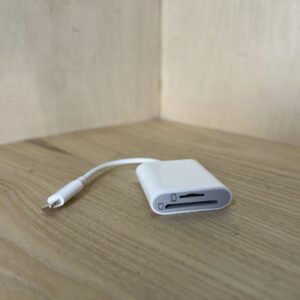
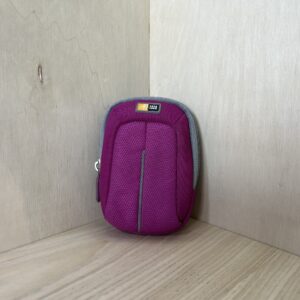
Accessories in stock that travel in the same parcel.
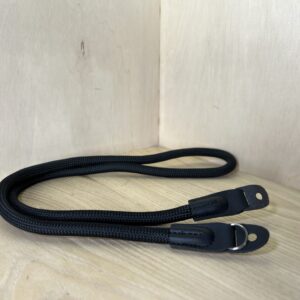
In the same category
The same kind of camera, available
More items from the same category, tested and checked in our workshop.
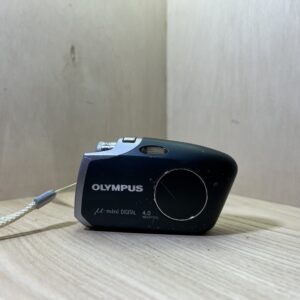
Olympus mju digital U mini – Noir
Original price was: €90.00.€68.00Current price is: €68.00.
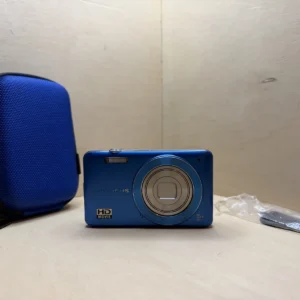
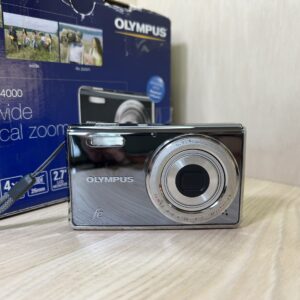
Olympus FE-4000 – Argent
Original price was: €85.00.€76.00Current price is: €76.00.
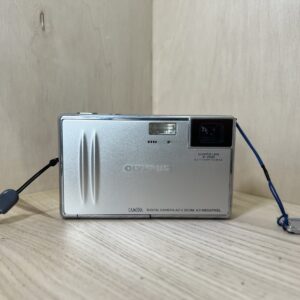
Olympus Camedia AZ 2 zoom – Argent
Original price was: €75.00.€67.00Current price is: €67.00.