Samsung NX200: manual and user guide
Samsung's NX mirrorless camera with a 20.3 MP sensor. Its official PDF manual, then the essentials to get started.
Open the official manualUser manual · Samsung PDF · 151 pages · 8.1 MB (in French)
The PDF opens directly, served by Samsung. Source: its official support page.
Getting started
- Battery It runs on the BP1030 lithium-ion battery (7.4 V, 1,030 mAh), which recharges in the BC1030 charger. Samsung asks you to use only batteries and chargers approved by the brand.
- Charging Allow about 140 minutes for a full charge. Flat battery: charge it for at least 10 minutes before switching back on. Orange lamp: too hot, charging resumes once the battery has cooled down.
- Card SD, SDHC (up to 32 GB) or SDXC (up to 128 GB). Switch the camera off to insert or remove the card, then format it in the camera: MENU, Settings 1, Format.
- Switching on for the first time Switch on with the On/Off switch. Set the language in MENU, Settings 1, Language, then the date, time and time zone in Settings 2, Date & Time.
- Your first photo Turn the dial to t (Smart Auto): it sets shutter speed, aperture and exposure on its own. Press halfway, the focus area turns green, then press fully.
P, A, S, M modes
- P: it chooses shutter speed and aperture. The command dial shifts the pair while keeping the same exposure.
- A: you set the aperture to control depth of field, it works out the shutter speed.
- S: you set the shutter speed, faster than 1/500 s to freeze a subject, slower than 1/30 s to blur it.
- M: you set everything. Turn the command dial all the way to the left to switch to Bulb (B), limited to 4 minutes.
Good to know
- It has no built-in flash: the small SEF8A supplied slides into the hot shoe once its cover is removed.
- The movie record button starts a video. A clip lasts 25 minutes at most, in MP4, up to 1920 × 1080.
- With a stabilised lens, press Fn then OIS: Mode 1 works when you take the shot, Mode 2 all the time.
- If your lens has a zoom lock button, unlock it by turning the zoom ring until it clicks: while it's locked, the camera won't fire.
- Change lenses away from dust. Sensor cleaning is started from MENU, Settings 3.
NX200 specifications
- Sensor
- 23.5 × 15.7 mm CMOS, 20.3 MP
- Lens
- Samsung NX mount, the 18-55 mm gives 27.7-84.7 mm (35 mm equivalent)
- Stabilisation
- optical, in the lens (OIS) when the lens has it
- Screen
- 3-inch (7.6 cm) AMOLED, 614,000 dots
- Video
- 1920 × 1080 at 30 frames per second, 1280 × 720 at 60, MP4 (H.264), 25 minutes per clip
- Burst
- 7 frames per second in JPEG, up to 11 shots
- Battery
- BP1030, about 320 shots
- Card
- SD, SDHC up to 32 GB, SDXC up to 128 GB
- Flash
- SEF8A supplied, guide number 8
- Factory reset
- MENU, Settings 1, Reset (date, time, language and video output are kept)
In the shop
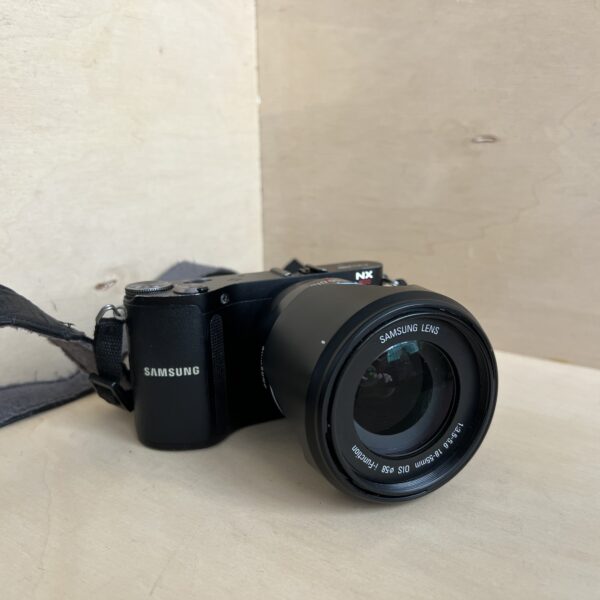
The Samsung NX200 in the workshop
Filter
Showing the single result
Goes well with
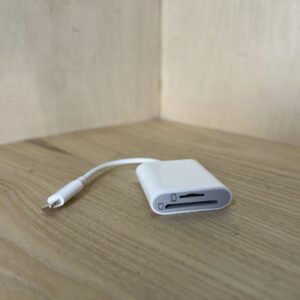
Complete your kit
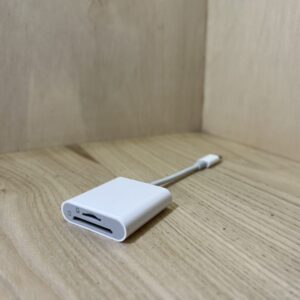
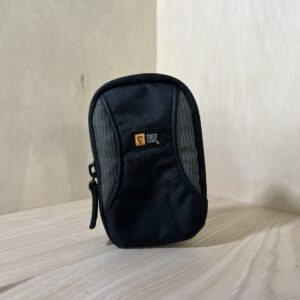
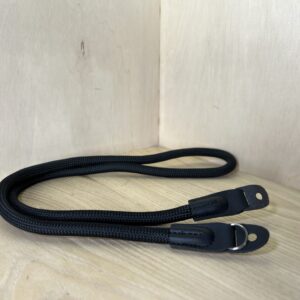
Accessories in stock that travel in the same parcel.
In the same category
The same kind of camera, available
More items from the same category, tested and checked in our workshop.