







Kodak EasyShare Z1012 IS: manual and instructions
The Kodak with a stabilised 12× zoom and P, A, S, M modes. Its official manual as a PDF, then the essentials for using it.
Open the official manualExtended user guide (in English) · Kodak PDF · 74 pages · 6.7 MB
The PDF opens directly, hosted by Kodak. Source: its official support page.
Getting started
- Power Three options: the Kodak KLIC-8000 Li-Ion battery, a Kodak CRV3 lithium battery, or two AA lithium batteries. Alkaline batteries don’t work.
- Charging Charge the KLIC-8000 before first use, in the Kodak charger: red light while charging, green when done, about 3 hours. An EasyShare dock can charge it too. The CRV3 and AA lithium batteries aren’t rechargeable.
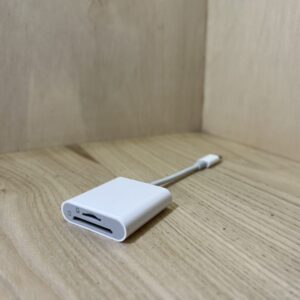
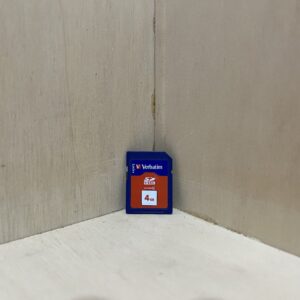
- Card It takes SD or SDHC cards. Turn the camera off before inserting or removing the card, which only goes in one way. With no card, it records to its internal memory (21 MB for images).
- Switching on for the first time When switched on, it asks for the language, then the date and time: arrows to change, OK to confirm. To change them later, go through the Menu button.
- Your first photo Mode dial on Smart Capture. The EVF/LCD button switches between the screen and the electronic viewfinder. Press halfway: when the framing marks turn green, press all the way.
P, A, S, M modes
- P: the camera picks shutter speed and aperture, you keep control of exposure compensation, flash and ISO.
- A (aperture priority) plays with depth of field. S (shutter priority) freezes movement. M gives you both shutter speed and aperture.
- Everything goes through the Jog dial: turn to choose the setting, press to unlock it, turn to change it, press to lock it.
- A shaking-hand icon warns of a slow shutter speed: get the tripod out.
- These settings stay in memory, even with the camera off. Reset Camera, in the Setup menu, restores the factory settings.
Good to know
- Optical stabilisation is set in the menu: Continuous (all the time), Single (only at half-press) or Off.
- HD video at 1280 × 720 and 30 frames per second stops at 29 minutes per clip.
- Expect 200 to 300 shots with the KLIC-8000 or two AA lithium batteries, 350 to 450 with a CRV3 (CIPA measurement, in Smart Capture).
- In P, A, S, M, ISO goes from 64 to 6400, with 6400 only at 3.1 MP or less.
In the shop
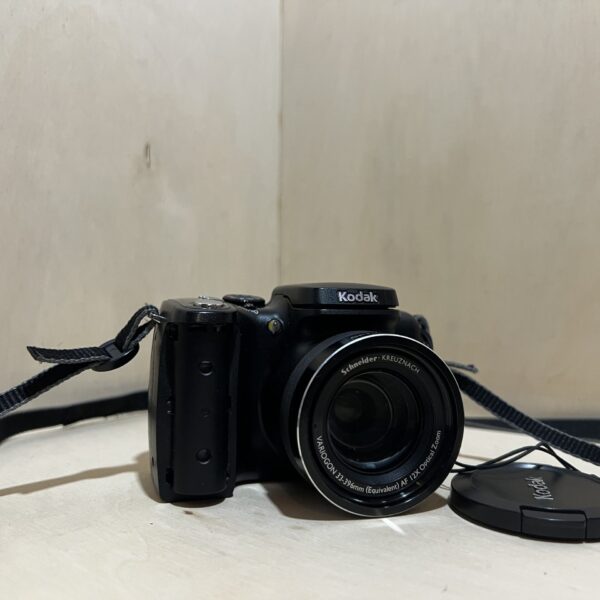
The Kodak EasyShare Z1012 IS at the workshop
Filter
Showing the single result
Goes well with
Complete your kit
Accessories in stock that travel in the same parcel.
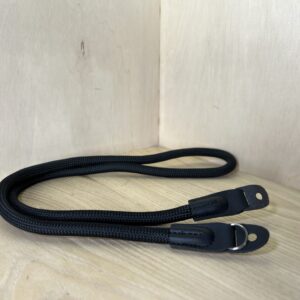
In the same category
The same kind of camera, available
More items from the same category, tested and checked in our workshop.
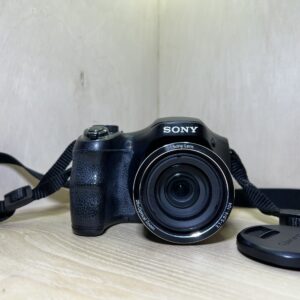
Sony Cyber-shot DSC-H200 – Noir
125,00 €
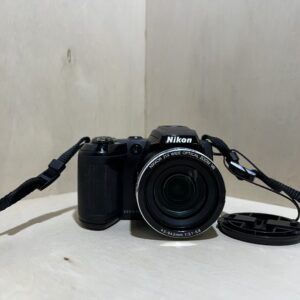
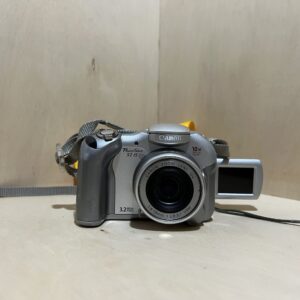
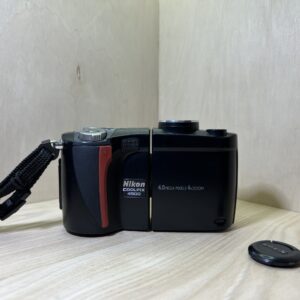
Nikon Coolpix 4500 – Noir
Original price was: 75,00 €.65,00 €Current price is: 65,00 €.