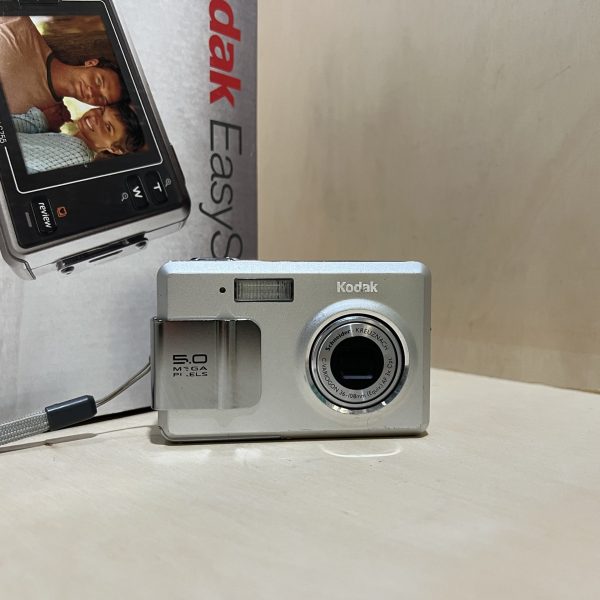
Kodak EasyShare LS755: manual and instructions
Kodak’s 5 MP compact with 3× zoom. Its official manual as a PDF, then the essentials for using it.
Open the official manualUser’s Guide (in English) · Kodak PDF · 80 pages · 4.3 MB
The PDF opens directly, hosted by Kodak. Source: its official support page.
Getting started
- Battery With the camera off, open the cover and slide in the Kodak KLIC-7000 Li-Ion battery the way shown. To take it out, push the latch. Kodak warns that another battery may damage the camera.
- Charging Plug the AC adapter into the DC-IN socket on the USB cable, then that cable into the camera’s dock connector: the lamp blinks orange. Allow about 4 hours. A compatible Kodak dock charges it too.
- Card It takes xD-Picture Cards. With the camera off, push the card into the slot, without forcing it. With no card, it keeps photos and videos in its 16 MB internal memory. Format a new card before the first photo.
- Switching on for the first time Press On/Off: the message “Date and time have been reset” appears. Confirm SET DATE & TIME with OK, then set the date and time. The language is changed in the Setup menu.
- Your first photo In Auto mode, press halfway: when the focus frame turns green, press all the way. If it stays red, release and try again. The lamp blinks green while the picture is being saved.
What it can do
- The Mode button switches from Auto to the scene modes (portrait, sport, snow, beach, sunset, candlelight, TV screen…), to Custom mode for setting things yourself, and to video.
- In super macro, focus goes down to 5 cm, at wide angle only.
- Video records sound, at 640 × 480 and 12.5 frames per second or at 320 × 240 and 30.
The dock
- On an EasyShare printer dock (printer dock, printer dock plus, printer dock 6000) or a camera dock 6000, dock it using the custom insert and the adapter. The charging lights stay off, but the battery charges.
- On other EasyShare docks, the insert alone is enough, without the adapter.
- Not compatible: printer dock 4000, camera dock II, LS420 and LS443 docks.
- Placed on a Photo Frame Dock, it works as a photo frame: interval, order, effects and clock are set in the Setup menu.
In the shop
The Kodak EasyShare LS755 at the workshop
Filter
Showing the single result
Goes well with
Complete your kit
Accessories in stock that travel in the same parcel.
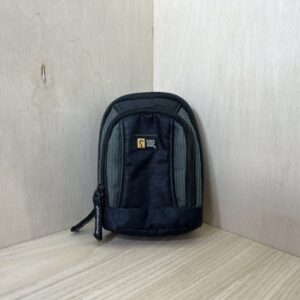
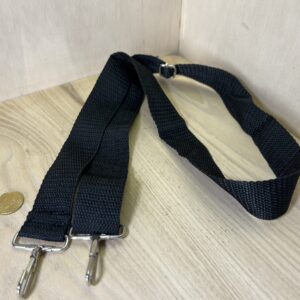
In the same category
The same kind of camera, available
More items from the same category, tested and checked in our workshop.
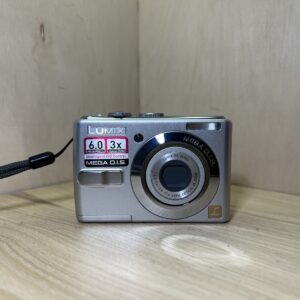
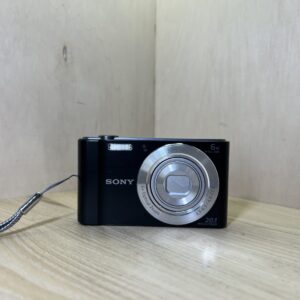
Sony Cyber-shot DSC-W810 – Noir
185,00 €
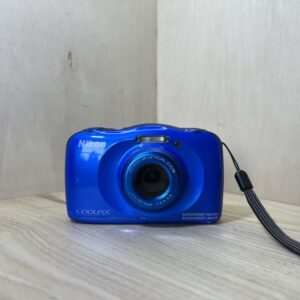
Nikon Coolpix S33 – Bleu
105,00 €