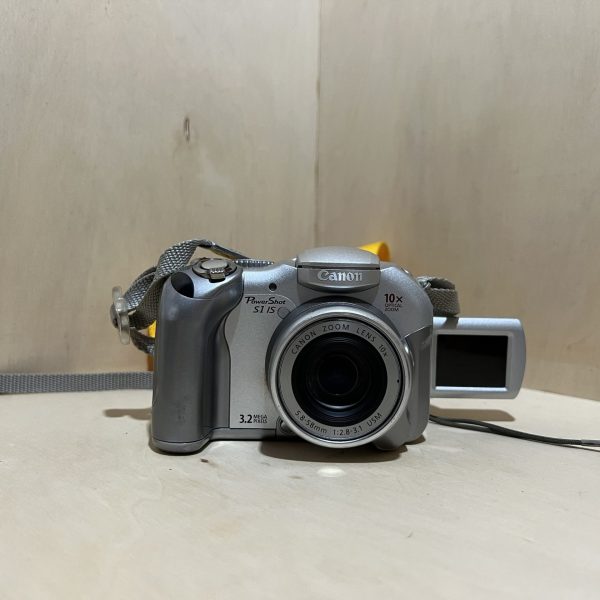
Canon PowerShot S1 IS: manual and user guide
A bridge camera with a stabilised 10× zoom and a vari-angle screen. Its official PDF manual, then the essentials for using it.
Open the official manualCamera User Guide · Canon PDF · 170 pages · 6.0 MB (in French)
The PDF opens directly, served by Canon. Opening it means you accept its download agreement.
Getting started
- Batteries It takes 4 AA alkaline batteries or 4 Canon AA NiMH rechargeables. Always use four identical batteries, new or charged together, the right way round, and wipe their terminals first.
- Charging Nothing to charge with alkalines. With NiMH, the CBK4-200 kit recharges all 4 batteries together: the lamp blinks, then stays lit. Never charge for more than 24 hours in a row.
- Card It uses a CompactFlash card (Type I or II), label facing out, pushed in until the eject button pops up. Format any new card in the camera.
- Switching on for the first time Remove the lens cap, then turn the mode switch to shooting while holding the release button. The first time you switch on, set the date, then the language, in the Set up menu.
- Your first photo Set the mode dial to Auto, open the screen or use the viewfinder. Zoom, then press halfway: two beeps and a green frame. Then press all the way, without moving until you hear the shutter.
The 10× zoom and the image stabiliser
- The zoom runs from 38 to 380 mm (35 mm equivalent): with the lever pushed all the way, it moves fast. Pushed halfway, it moves slowly.
- The image stabiliser is on by default. The IS button turns it off or back on.
- Hold the IS button down to choose its mode: standard, or adapted to the tele and wide-angle converters sold separately.
- With the digital zoom you can go up to about 32×, but the image loses definition.
What it can do
- The screen opens out and swivels. Turned 180° to face forward, the image flips the right way up by itself.
- Auto, P, Tv, Av, M and Custom modes, plus portrait, landscape, night scene, stitch assist and video.
- Video at 640 × 480, 15 or 30 fps, up to 1 GB or one hour per clip.
- Interval shooting: from 1 to 60 min between shots, from 2 to 100 shots.
Batteries and battery life
- With the supplied alkalines, expect about 120 shots with the screen on, and about 550 with NB4-200 NiMH batteries (Canon tests).
- In cold weather, especially with alkalines, warm the batteries in an inside pocket, away from anything metal.
- For a long session, Canon recommends the CA-PS700 AC adapter, sold separately.
PowerShot S1 IS specifications
- Sensor
- 1/2.7-inch CCD, 3.2 MP
- Lens
- 10× zoom, 38-380 mm (35 mm equivalent), f/2.8-3.1
- Stabilisation
- optical, IS button, on by default
- Screen
- 3.8 cm (1.5 inches), vari-angle, plus an electronic viewfinder
- Video
- 640 × 480, 15 or 30 frames per second
- Power
- 4 AA alkaline or NiMH batteries, about 120 shots on alkalines with the screen on
- Card
- CompactFlash Type I or II
- Weight
- about 370 g, body only
- Factory reset
- MENU button held for more than 5 s, then OK
In the shop
The Canon PowerShot S1 IS in the workshop
Filter
Showing the single result
Goes well with
Complete your kit
Accessories in stock that travel in the same parcel.
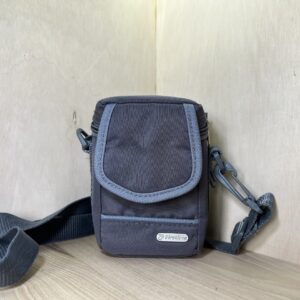
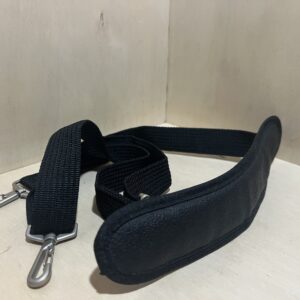
In the same category
The same kind of camera, available
More items from the same category, tested and checked in our workshop.
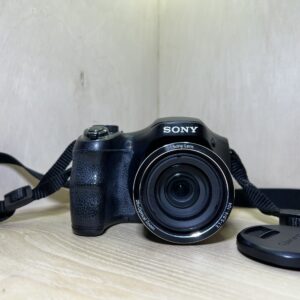
Sony Cyber-shot DSC-H200 – Noir
125,00 €
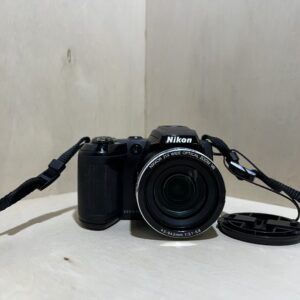
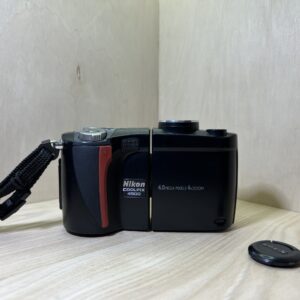
Nikon Coolpix 4500 – Noir
Original price was: 75,00 €.65,00 €Current price is: 65,00 €.