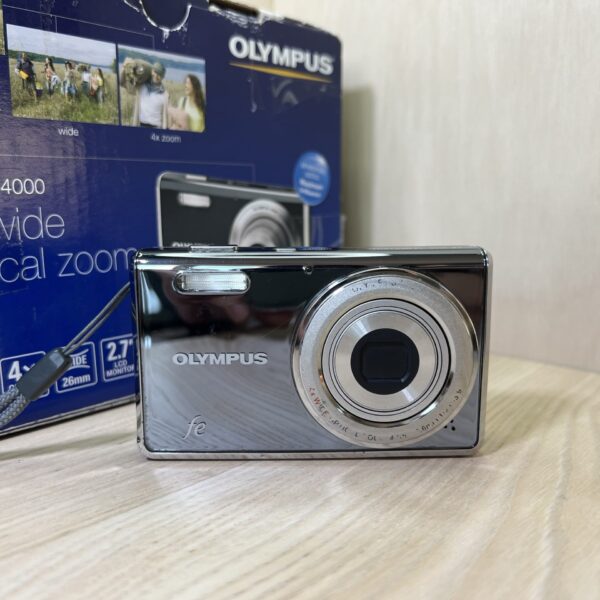
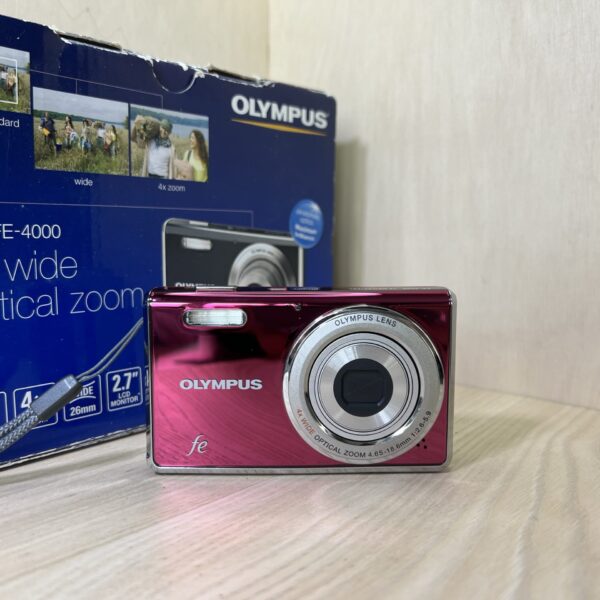
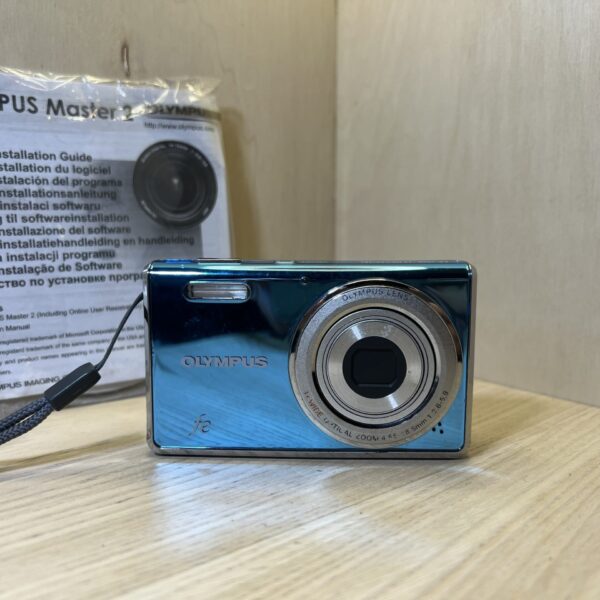
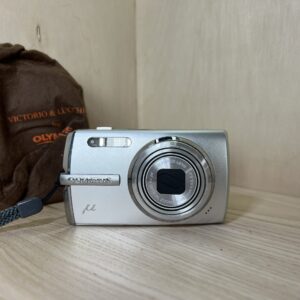
Battery With the camera off, open the battery/card compartment cover and slide in the LI-42B (or LI-40B) lithium-ion battery while pushing the battery lock. No other model is suitable.
Charging The battery charges outside the camera, in the LI-41C charger plugged into the mains: about 2 hours, and the light goes out when it’s done.
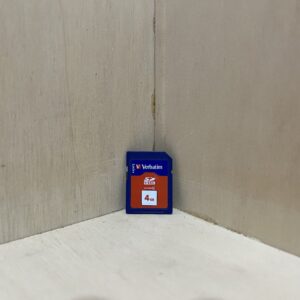
Card An xD-Picture Card from 16 MB to 2 GB, or a microSD/microSDHC in the Olympus microSD adapter. With no card, it records to its internal memory.
Switching on for the first time Press the on/off button: it asks for the year, month, day, time and date order. The menu language is then set in the SETUP menu.
Your first photo In P mode, press halfway: the AF mark turns green, then press all the way. The K button cycles through P, iAUTO, DIS, scene and video modes.
What it can do
In iAUTO mode, it chooses by itself between portrait, landscape, night + portrait, sport and macro. If it can’t decide, it goes back to P mode.
DIS mode, digital stabilisation, reduces blur from camera shake and subject movement.
Among the scenes, PET (animals) tracks a moving subject to keep it in focus.
Panorama locks focus, exposure, zoom and white balance on the first shot. Stitching is then done with OLYMPUS Master 2, on the CD.
Video at 640 × 480 and 30 frames per second: the shutter button starts and stops recording. With sound on, only the digital zoom works.
xD and microSD cards
xD-Picture Cards from 16 MB to 2 GB, types H, M, M+ and Standard.
A card from another brand, or one used in a computer, should first be formatted in the camera (MEMORY FORMAT or FORMAT).
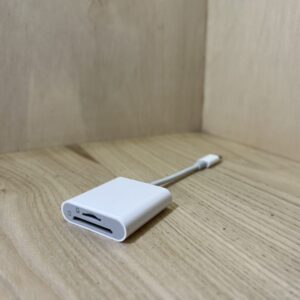
The microSD adapter only goes in an Olympus camera designed for it: never in an xD card reader, a computer or a printer.
A video file stops at 2 GB, whatever the card.
FE-4000 specifications
Sensor
1/2.33-inch CCD, 12 MP (11.86 MP effective)
Lens
4× zoom, 26.3-105 mm (35 mm equivalent), f/2.6-5.9
Stabilisation
digital (DIS mode)
Screen
6.9 cm (2.7 inches), 230,000 dots
Video
640 × 480, 30 fps (AVI Motion JPEG)
Battery
lithium-ion LI-42B (740 mAh) or LI-40B
Charging
LI-41C charger, about 2 h
Card
xD-Picture Card 16 MB to 2 GB, microSD/microSDHC with the adapter, plus internal memory
Pay by card, Klarna or Google Pay. Your bank details never pass through us.
Free delivery in France from €150
In mainland France. Elsewhere, the exact rate is shown before you pay.
Tracked parcels, padded by hand
Tracking number by email, oversized packaging: a camera body doesn’t travel like a book.
Tested second-hand
Mechanics, optics, electronics: every item goes through our testing method before it goes online.
A word about cookies
The ones that make the basket and payment work stay: we can’t do without them. The others wait for your consent: audience measurement (Google Analytics, Jetpack), advertising (Google Ads, Pinterest) and visit tracking for our emails (MailerLite). You can withdraw it whenever you like. Details here.