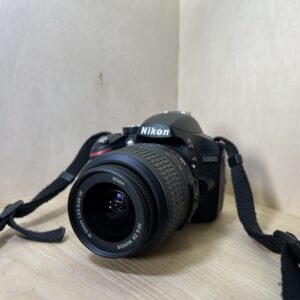
Nikon D5300: manual and instructions
A 24 MP Nikon DSLR with Wi-Fi and GPS. Its official manual as a PDF, then the essentials to get started.
Open the official manualUser manual · Nikon PDF · 108 pages · 6.5 MB (in French)Full reference manualNikon PDF · 308 pages · 22 MB
The PDF opens directly, hosted by Nikon. Opening it means accepting its download agreement.
Getting started
- Charging EN-EL14a battery (the EN-EL14 works too) in the MH-24 charger: about 1 h 50 min.
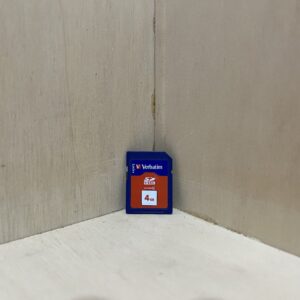
- Battery, card, lens With the camera off, insert the battery, then an SD card until it clicks. Line up the marks on the lens and turn until it clicks.
- Switching on for the first time Open the screen and switch on: language, time zone, date format, daylight saving time, then date and time.
- Viewfinder Adjust its focus to your eyesight with the dioptre adjustment control.
- Your first photo Mode dial on AUTO (or AUTO flash off). Halfway: it focuses and beeps. All the way: the photo is taken.
Wi-Fi and GPS
- Wi-Fi is built in: the manual mentions the Wireless Mobile Utility app, for Android and iOS, to send photos to a phone.
- GPS is built in too and records where each photo was taken.
- Both shorten battery life, and position logging carries on with the camera off: turn it off when you’re not using it.
P, S, A, M in one line
- P: the camera sets shutter speed and aperture, you do the framing.
- S: you choose the shutter speed, to freeze or blur movement.
- A: you choose the aperture, to blur the background or get more in focus.
- M: you set both. B and T for long exposures.
Which lenses?
- Nikon F mount. Autofocus works with AF-S, AF-P and AF-I lenses.
- Other AF lenses (G or D type) fit, but focusing is manual.
- A lens without a CPU can only be used in M mode, with no light metering. IX-Nikkor lenses can’t be mounted.
Care
- Swivel the screen gently, without forcing it, and fold it back when you put the camera away.
- Change lenses away from dust and put the body cap back on. The “Clean image sensor” menu removes dust from the sensor. For anything else, Nikon recommends an authorised technician.
- Turn the camera off before inserting or removing the card.
D5300 specifications
- Sensor
- DX-format CMOS (23.5 × 15.6 mm), 24.2 MP
- Mount
- Nikon F
- Sensitivity
- ISO 100 to 12,800, up to the equivalent of ISO 25,600
- Burst
- 5 frames per second
- Video
- 1920 × 1080 at 60p
- Screen
- vari-angle, 8.1 cm (3.2 inches)
- Battery
- EN-EL14a, about 600 shots
- Card
- SD, SDHC, SDXC (UHS-I, class 6 or higher for video)
- Wi-Fi and GPS
- built in
- Factory reset
- hold the two controls marked with a green dot for more than two seconds
In the shop
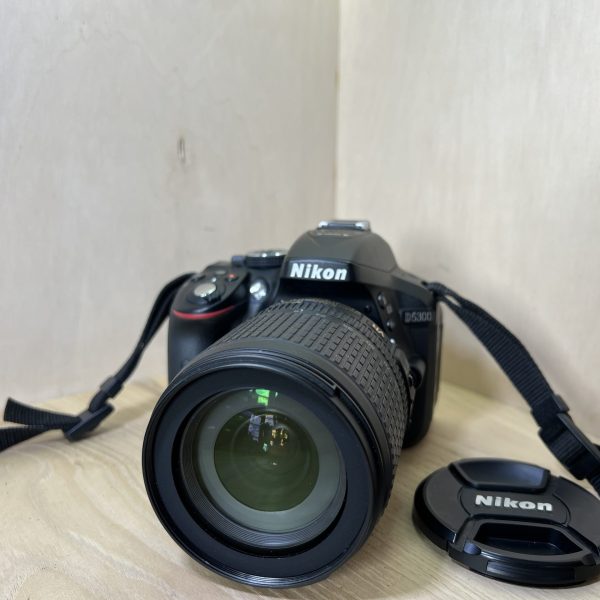
The Nikon D5300 at the workshop
Filter
Showing the single result
Goes well with
Complete your kit
Accessories in stock that travel in the same parcel.
In the same category
The same kind of camera, available
More items from the same category, tested and checked in our workshop.